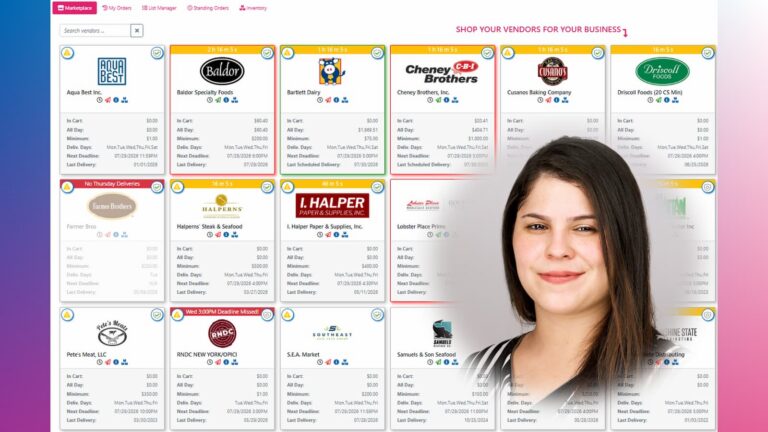
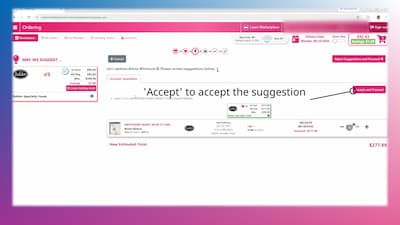
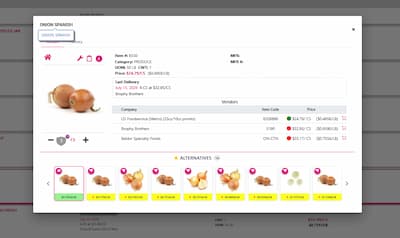
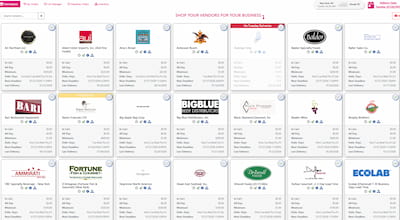
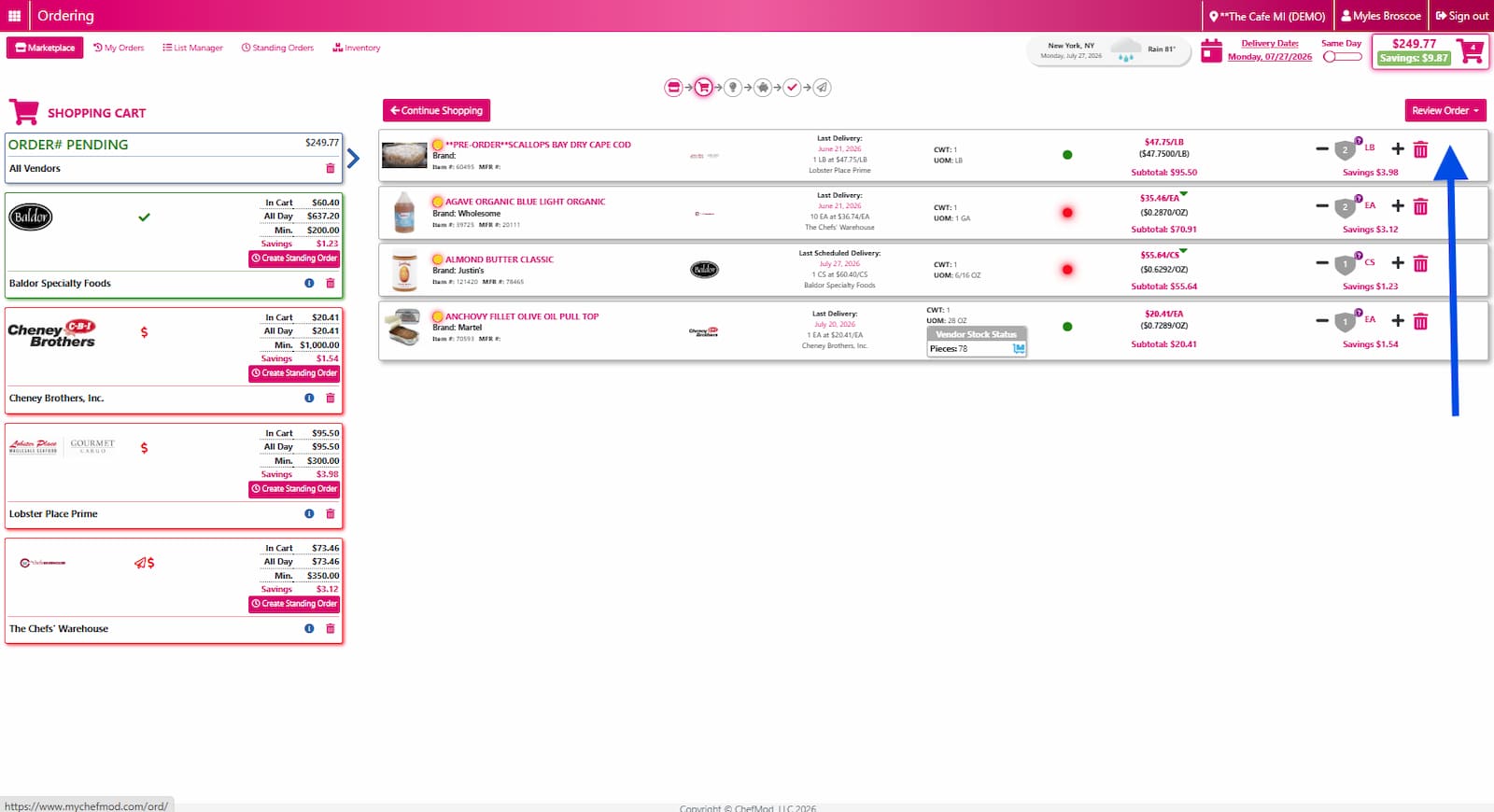
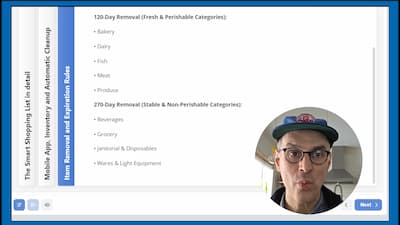
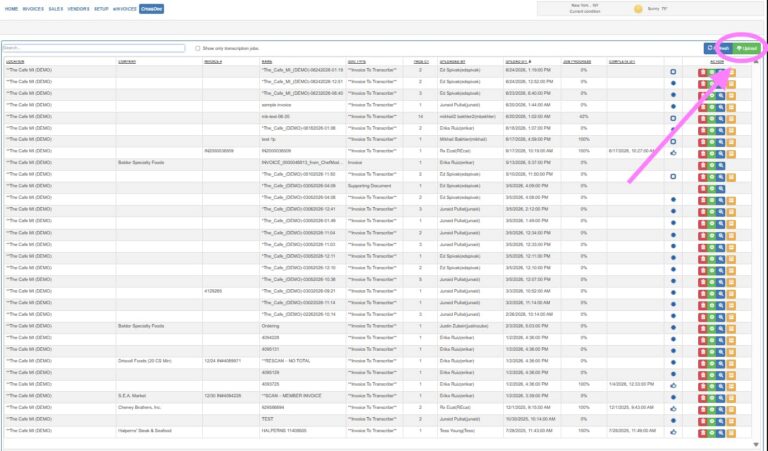
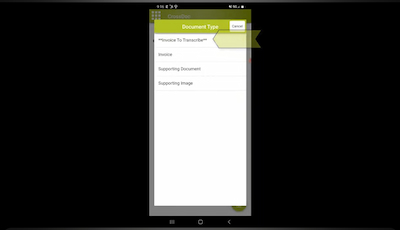
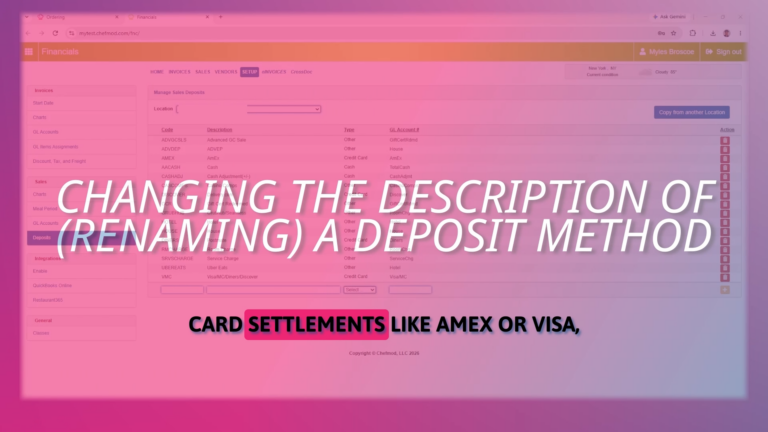
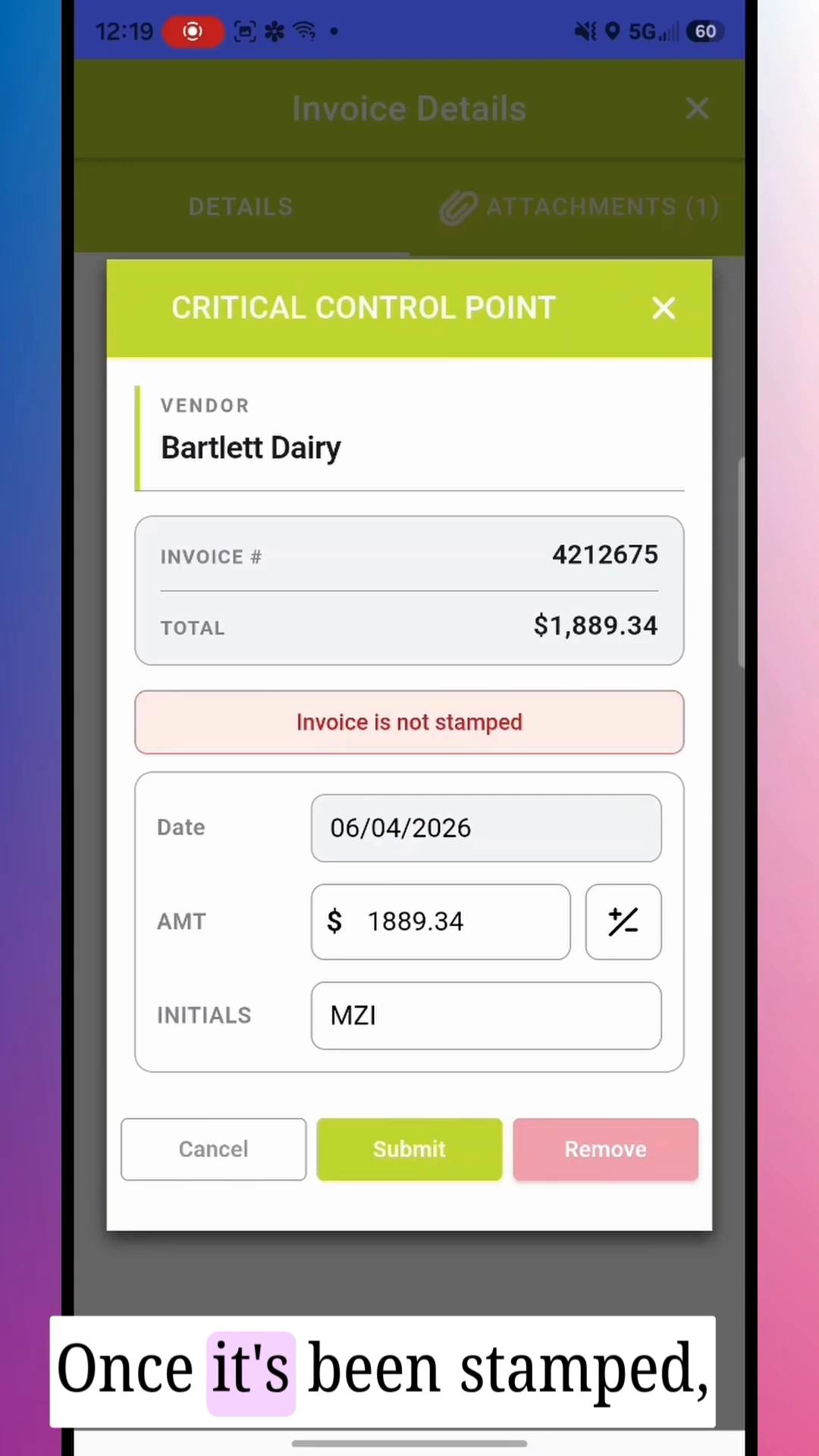
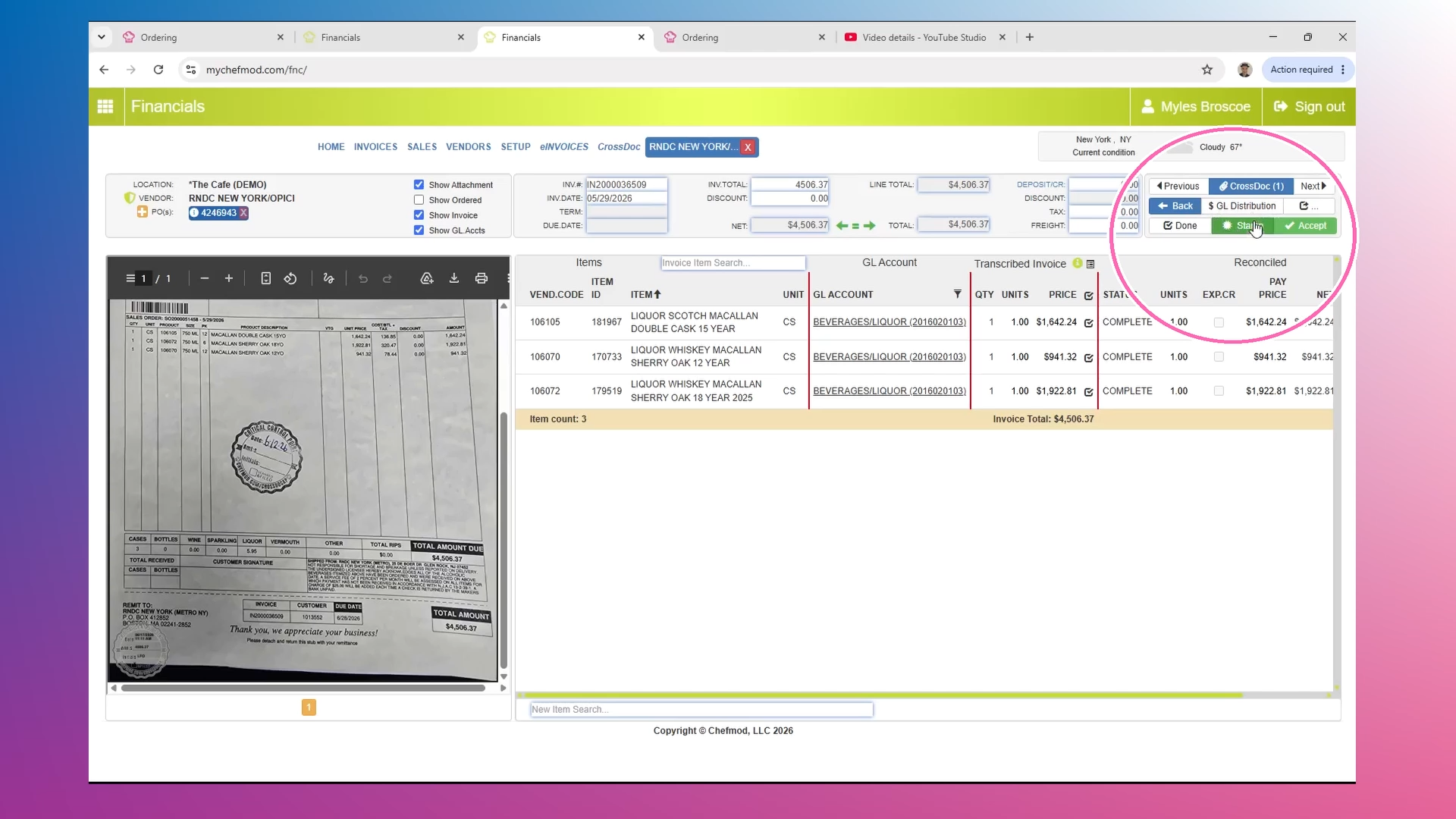
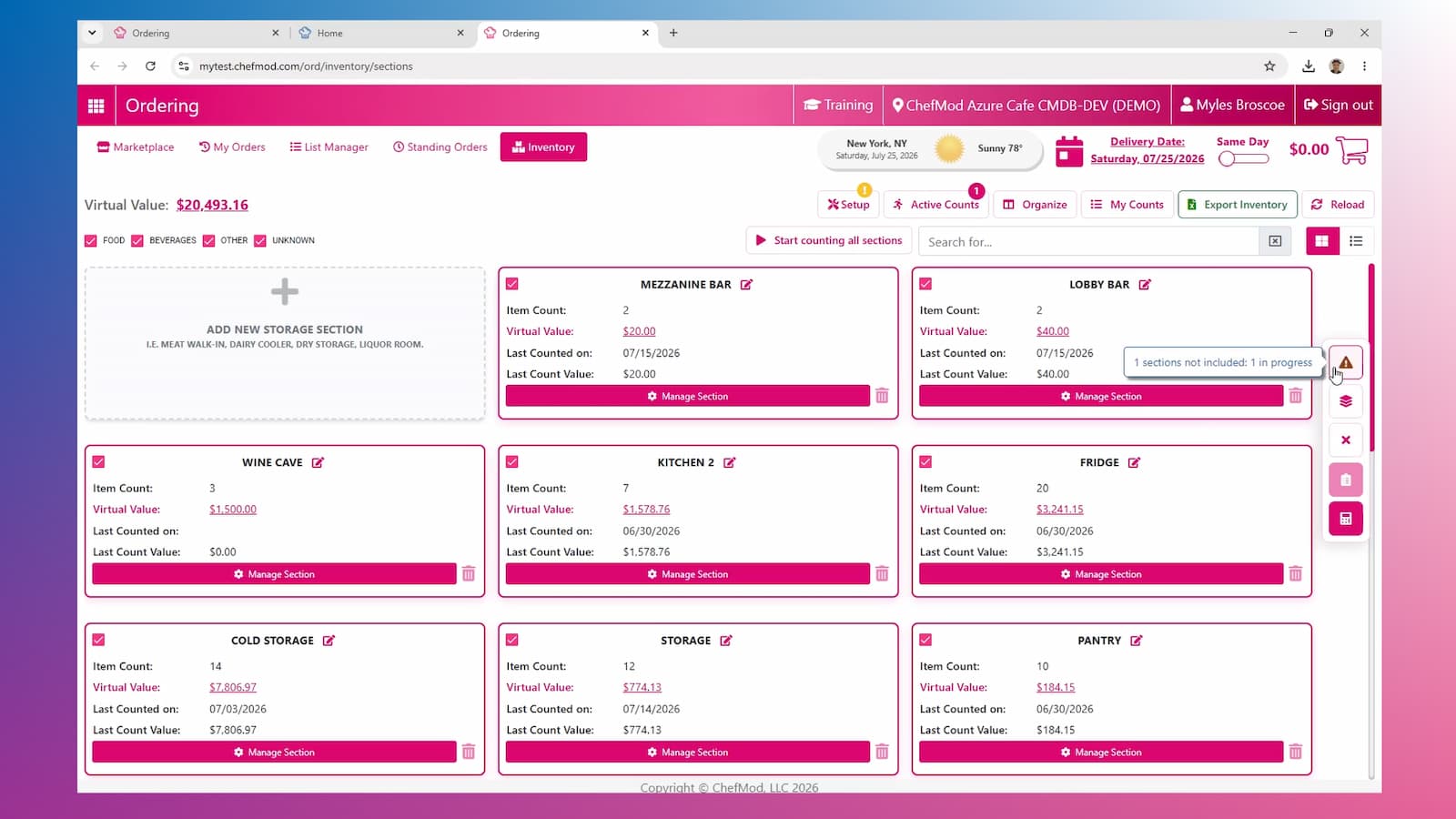
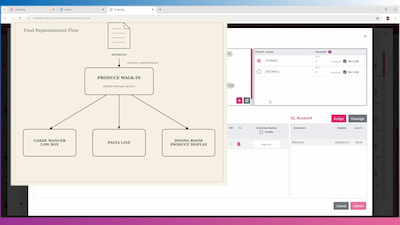
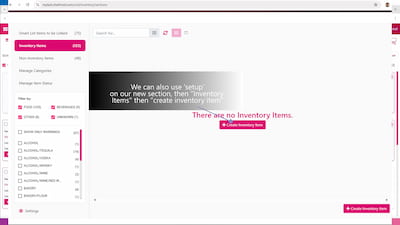
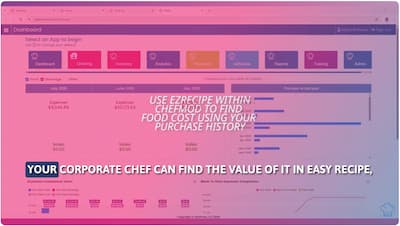
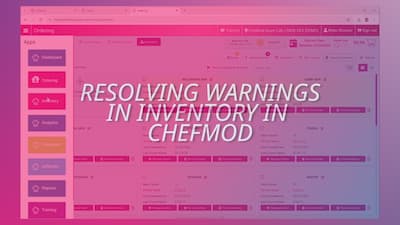
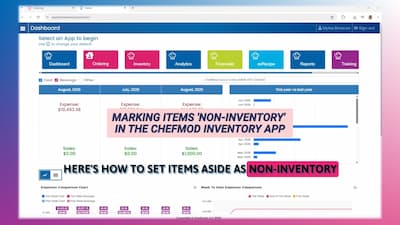
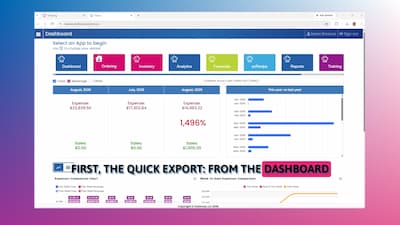
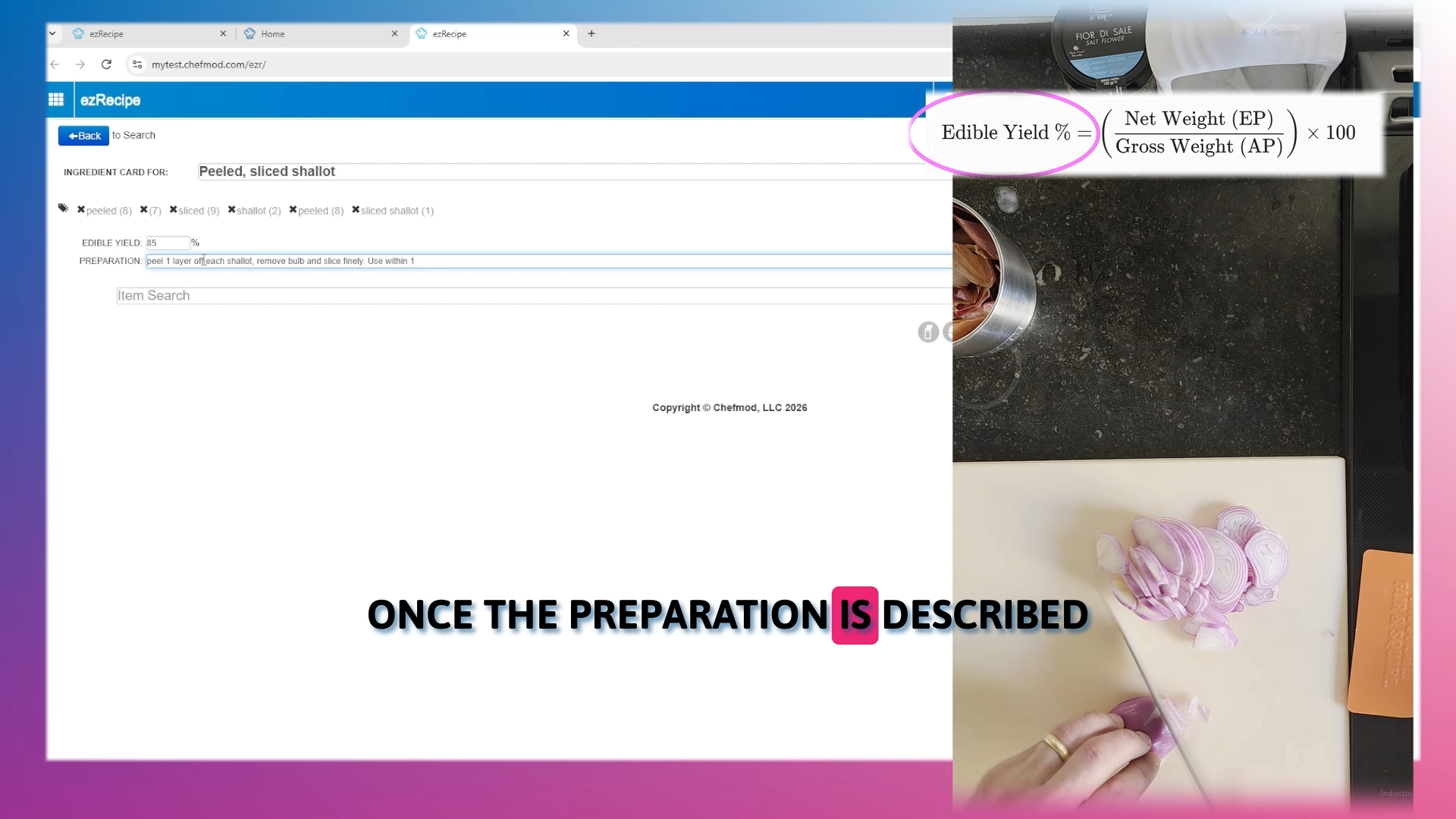
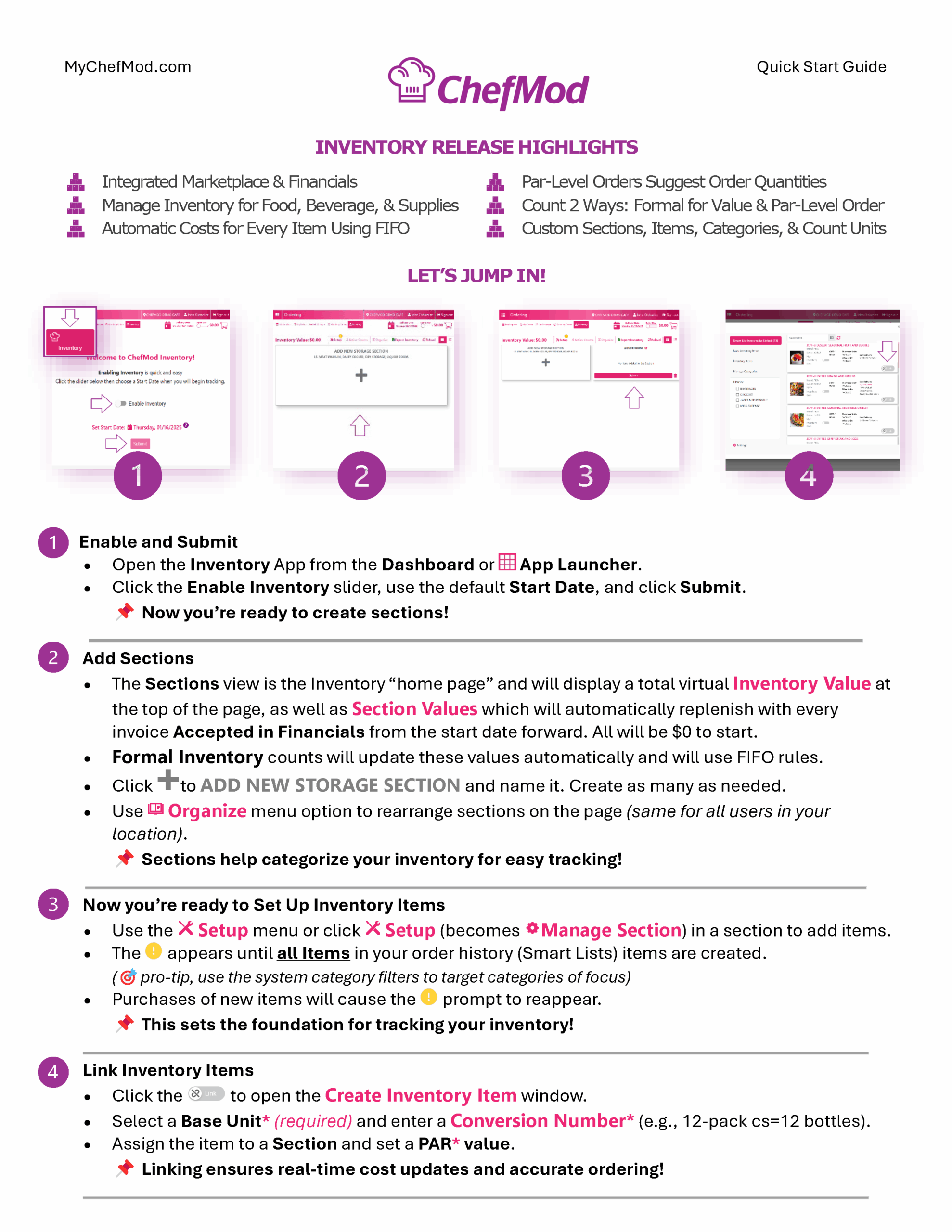
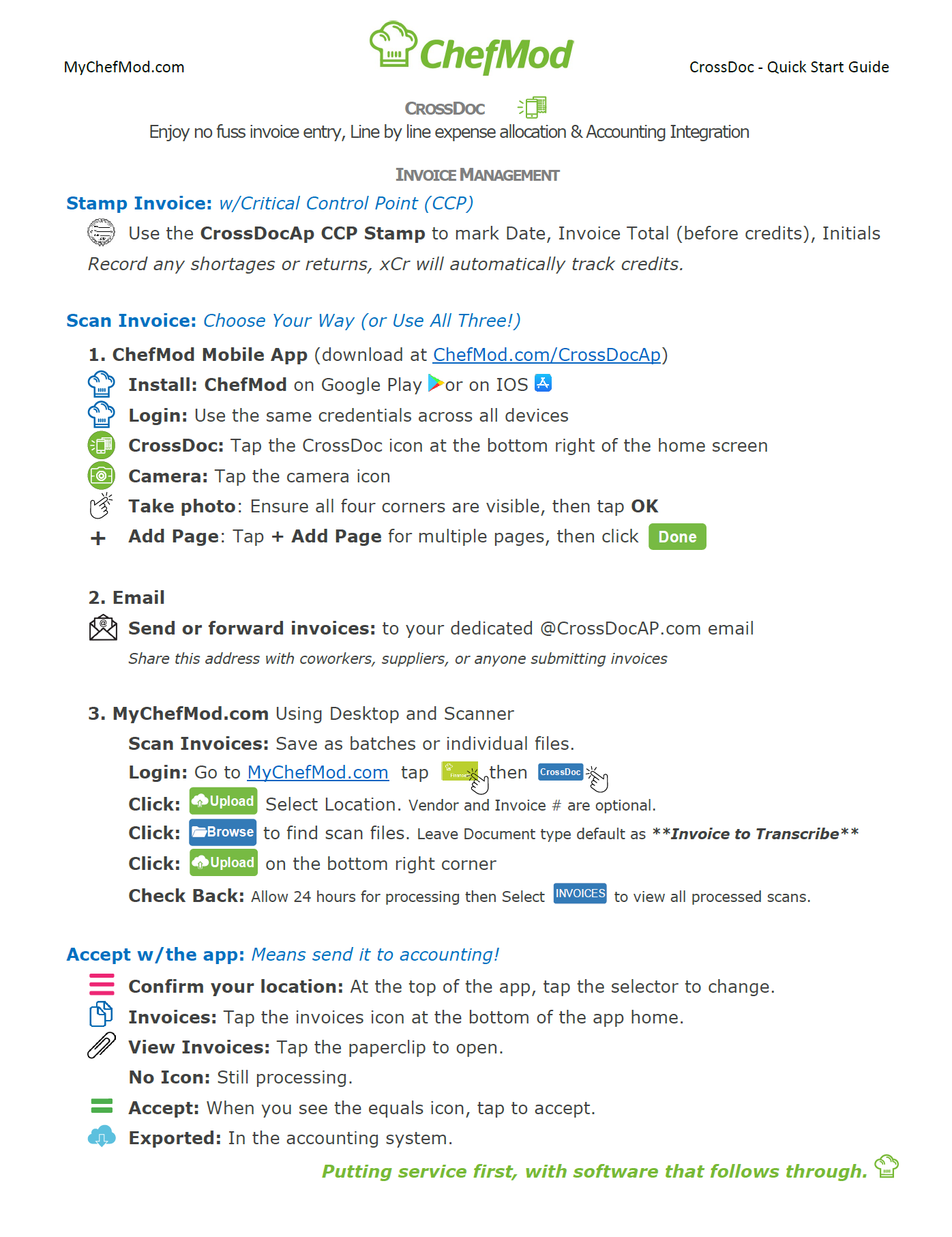
Schedule Your Training Today Erika RuizMember Services Manager Schedule Time Your Learning Hub Explore Our Training Resources for Success Discover our training materials organized by function to learn how to use our tools to work for you Ordering & Marketplace Financials & CrossDoc Critical Control Point Inventory & Counting Learn About ChefMod Downloadable Docs Ordering & Marketplace Marketplace overview with Erika Ruiz Ordering | Resolving under-minimum orders with suggestions MyChefMod training with John Oldweiler Finding the best price with John See where an item is preferred How to make a basic order Standing order workflow Processing part of your shopping cart Mobile ordering & inventory All about the smart shopping list Financials & CrossDoc Scanning invoices on Desktop Scanning invoices on mobile Financials | Exporting Invoice Data Financials | Changing descriptions of Deposit Methods Viewing purchase orders with Ed Spivak Introducing xCr (Expected Credits) with John CCP Videos Critical Control Point stamp on mobile Critical Control Point stamp on desktop Use CCP stamp to resolve warnings Inventory Inventory | Multi-Section Counting Inventory | Initial Setup and Sections Inventory | Setting up categories Inventory | Linking Purchased Items Inventory | Building Items without purchase history Inventory | Single Section Formal Count Inventory | Multi-Section Counting Inventory | Resolving Warnings while counting Inventory | Making items Non-Inventory (not countable) Inventory | How to Export Counts Inventory | How to transfer stock Inventory | Shelf-to-Sheet Inventory | Adding Items to the Smart List (to link them) Inventory | Par-Level Orders Inventory | My Counts: editing historical counts Inventory | Formal Count on Mobile Ez Recipe EzRecipe | Recipe costing tutorial EzRecipe | Exporting Recipes and building recipe books EzRecipe | Yields, Linking Recipes, Nutritionals and Allergens EzRecipe | Creating custom ingredients More About ChefMod How should technology support operators? With John Oldweiler Setting default app in MyChefMod Culinary Technology Trainer Myles Broscoe Ordering | December 2020 walkthrough Downloadable Docs